




No vendor in this category is UK-headquartered, so we ranked these five on general capability rather than local specialization: standards breadth against WCAG 2.2 AA, whether human review backs up the automated scan, and how well each fits an organization that may also be trading with the EU under EN 301 549.
How we ranked
We weighed WCAG 2.1/2.2 coverage, manual or human-reviewed testing options, enterprise and public-sector track record, and EN 301 549 mapping for any organization with EU-facing sites or customers. Our methodology explains how we weigh each of these factors, and our full review of Deque covers the top pick here in more depth.
-
The developer-tooling standard behind axe-core, with WCAG 2.0 through 2.2 documented plus Section 508 and EN 301 549. A strong fit for UK enterprises and public-sector teams with an in-house engineering function who want to fix issues in code rather than run a widget.
View pros & cons
Pros
- axe-core, the free open-source engine Deque built and maintains, has been downloaded billions of times and underpins many competitors' own scanners
- Broadest standards coverage of any tool reviewed here: WCAG 2.0 through 2.2, Section 508 and EN 301 549, plus deep involvement in W3C standards work
- Reviewers report a very low false-positive rate compared to other automated scanners
- CI/CD and IDE integrations let engineering teams catch issues before code ships, rather than only after launch
Cons
- No consumer-facing overlay widget, so it doesn't offer the quick, no-developer-needed fix that widget vendors sell
- Pro and Enterprise pricing is not published; reported per-developer seat costs (roughly $1,250/yr for Pro, per third-party trackers) can add up for larger teams
- axe Monitor and axe Auditor are sold as separate line items on top of DevTools, adding cost and complexity
- Automated testing (including axe-core) only catches a minority of WCAG issues by design; full coverage still requires the paid manual-audit services
Starting at axe-core: free (open source). axe DevTools Extension: free tier available, with a Pro seat reported by third-party pricing trackers at roughly $1,250/yr per developer. axe Monitor and full axe DevTools for Web/Enterprise pricing is not published - contact sales
-
 Best overall
AudioEye
Pairs automated scanning with human manual testing and documents WCAG 2.2, ADA, Section 508 and EN 301 549. The public financial reporting that comes with being Nasdaq-listed is a transparency point worth knowing about even outside the US.
View pros & cons
Pros
- Publicly traded (Nasdaq: AEYE), giving it a level of audited financial disclosure most competitors don't have
- Explicitly combines automated scanning and widget fixes with human-in-the-loop expert testing, rather than automation alone
- Strong independent review record: 4.7/5 average across roughly 240 G2 reviews, with reviewers citing responsive support and easy setup
- Named a G2 Best Software Product with multiple category badges in 2026
Cons
- Exact plan pricing is not published on its site; buyers must go through a quote process even for the entry tier
- Some reviewers report an overwhelming volume of automated recommendations and occasional reporting inaccuracies
- Reviewers flag pricing as steep for smaller, budget-conscious businesses relative to widget-only competitors
- Full remediation still depends on the paid Managed or Self-Managed tiers; the base Automated plan covers only automation-fixable issues
Starting at Pricing not published - contact sales for a quote; third-party listings have cited a Basic automated-only plan starting around $49/mo, but AudioEye's own pricing page does not disclose figures
-

Broad brand recognition and a large plugin ecosystem, with a free tier that makes it an easy starting point for a smaller UK site before committing to a paid plan.
View pros & cons
Pros
- Genuine free tier for small sites, alongside paid plans, unusual among established widget vendors
- Very large independent review base: 4.8/5 average across roughly 650+ G2 reviews
- Large plugin ecosystem across Shopify, WordPress, Wix and other platforms
- AI-powered image recognition for automated alt text generation
Cons
- Faced a class-action lawsuit (BloomsyBox v. UserWay, filed 2024) alleging false advertising about the widget's ability to ensure ADA compliance; a magistrate judge let the core claims proceed in February 2026
- UserWay's own pricing page does not publish figures; specific tier prices come from third-party trackers, not the vendor directly
- G2 reviewers frequently note pricing is on the higher end versus alternatives, and want clearer coverage information
- As with any overlay widget, the tool doesn't achieve full compliance on its own and complex issues still need developer work
Starting at Free tier available; paid Accessibility Widget Pro starts around $69/mo, with Pro Plus around $169/mo and Ultimate around $359/mo (per third-party pricing trackers, since UserWay's own pricing page does not display figures)
-

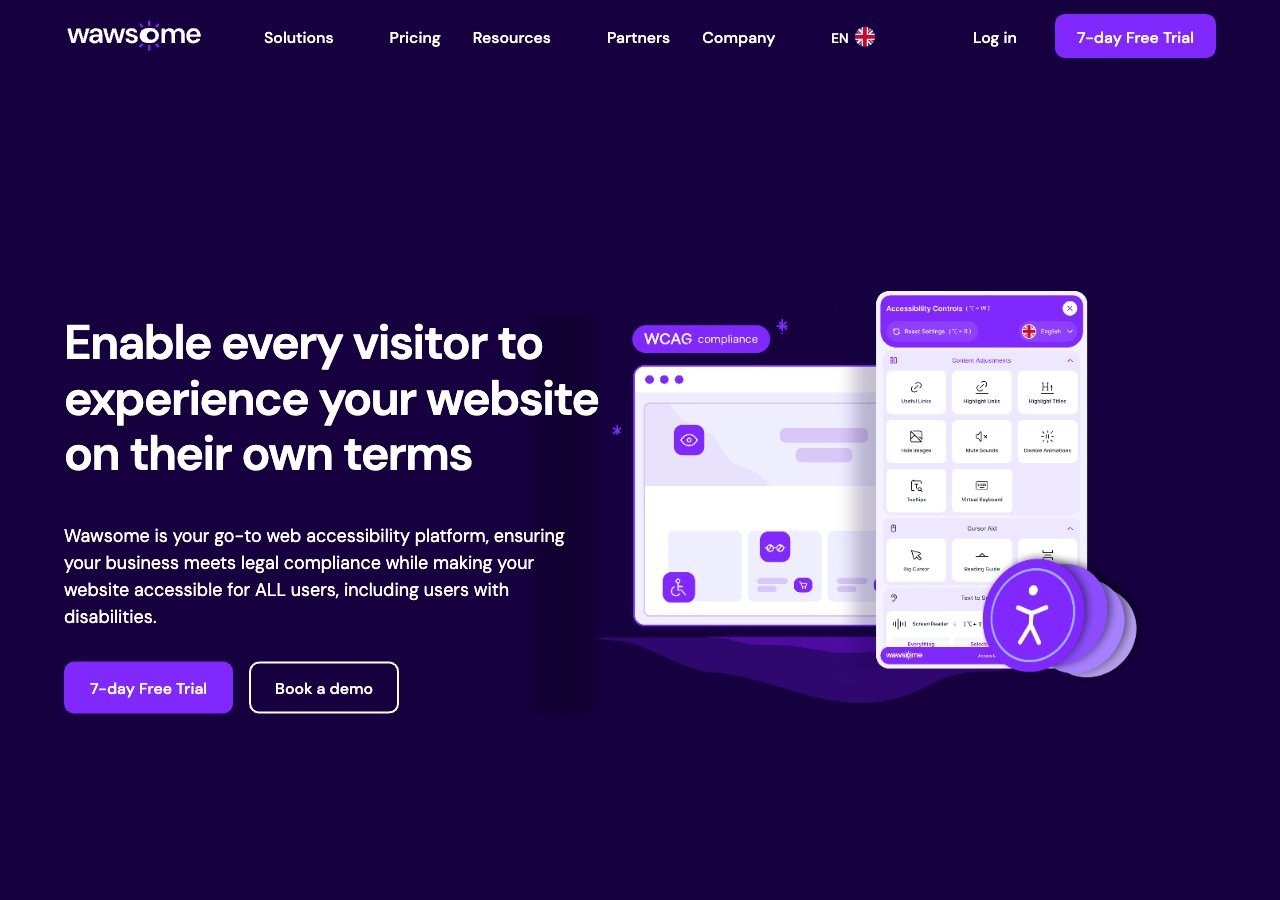
An EU-first platform whose own documentation explicitly claims UK requirements alongside Romanian, German, French, Spanish, Italian, Swiss and Austrian mapping, on top of general EAA and EN 301 549 coverage. Worth a direct look if your organization also serves EU customers.
View pros & cons
Pros
- Publishes exact widget and monitoring prices on its site rather than hiding them behind a sales call
- Pairs the widget with a separate continuous-monitoring product and a human-reviewed accessibility checker instead of automation alone
- Explicit EAA and EN 301 549 mapping across multiple EU markets, ahead of most US-headquartered competitors on European regulation
- One-line JavaScript install with native Shopify, WordPress and Google Tag Manager support
Cons
- Requires a separate paid subscription for each subdomain, which can raise the effective cost for sites split across shop./blog./app. style subdomains
- Newer, smaller vendor with little independent review history on sites like G2 or Capterra compared to established competitors
- Like all overlay-widget products, an AI-adjusted layer cannot substitute for full manual code remediation on complex sites
- Enterprise-tier pricing for the widget and monitor is not published and requires contacting sales
Starting at From EUR 23.75/mo (billed yearly) or EUR 29.90/mo (billed monthly) for the Starter widget plan, up to 100k monthly page views; a separate Accessibility Monitor product starts at EUR 27.90-34.90/mo for 50 pages
-
 Best Value
EqualWeb
A wide spread of pricing tiers and EAA, ADA, Section 508 and EN 301 549 coverage, with manual remediation available as a separate service for organizations that want a path beyond automation alone.
View pros & cons
Pros
- Publishes exact pricing for every self-serve tier, from a $39/mo entry plan up to a 100,000-page Huge tier, unusual transparency for this category
- Wide standards coverage including WCAG 2.1, ADA, Section 508, EN 301 549 and EAA in one product
- Strong independent review record: 4.6/5 average across roughly 43 G2 reviews, with reviewers repeatedly citing responsive human support
- Offers manual remediation and audits as a distinct paid add-on rather than selling automation as a complete fix
Cons
- Multiple G2 reviewers say the entry pricing is still hard for very small organizations to sustain long-term
- Some reviewers describe the management dashboard's UI/UX as dated or hard to navigate
- The Managed tier with expert remediation is quoted individually rather than published
- As with any overlay widget, achieving full legal compliance depends on more than the automated layer, something reviewers explicitly flag
Starting at From $39/mo ($390/yr) for the Small widget tier, up to 100 pages; Medium is $49/mo, Large $109/mo, Huge $169/mo, with a custom-quoted Managed tier that adds expert remediation
What a widget won’t fix on its own
The 2026 WebAIM Million study found that 95.9% of home pages had at least one detectable WCAG failure, and low-contrast text was the single most common issue at 83.9% of pages. That’s a genuinely easy automated fix for most of the widgets above, which is part of why they’re worth running even alongside a deeper remediation effort; the harder work is usually in custom form components, navigation menus and any content added after the initial scan.
Read next
For a deeper look at the legal side, our guide to what the European Accessibility Act actually requires covers the framework most relevant to UK organizations still trading with the EU.